
How Processor Generations Work — and Why Last Year's Chip Isn't Always Worse

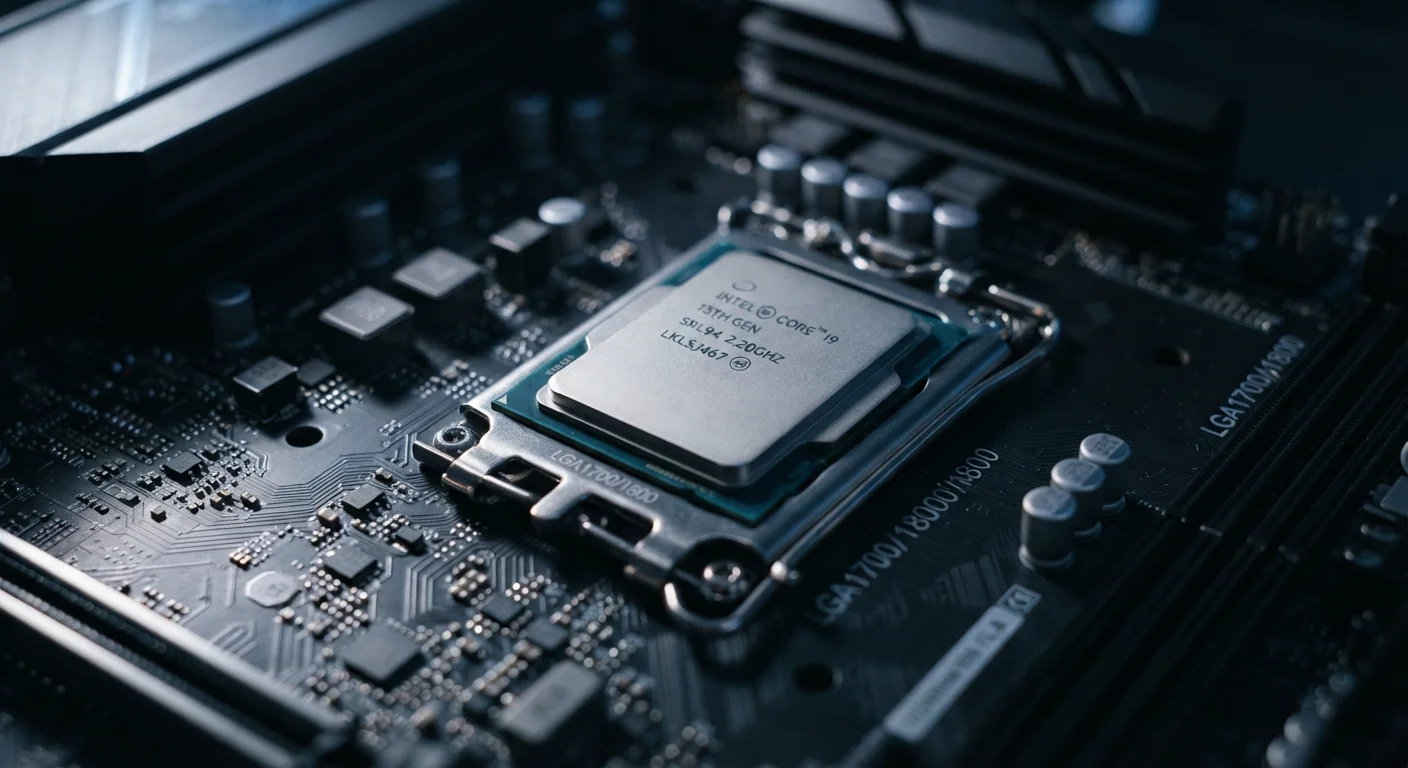
Key Takeaways
- Generation numbers are manufacturer-specific labels, not a universal ranking system.
- A newer generation chip can be slower than an older one if it targets efficiency over performance.
- The chip tier (entry-level vs. high-performance) within a generation matters more than the generation number alone.
- Older-generation chips can be excellent value when matched to the right workload.
- Real-world benchmarks reveal more about a chip's capability than its generation label.
Processor Generation
A processor generation refers to a group of chips built around the same underlying design — called an architecture — released by a manufacturer during a defined development cycle. Each new generation typically brings improvements to speed, energy efficiency, or built-in features compared to the previous one. However, generation numbers are not standardized across manufacturers, meaning a "Gen 13" chip from one brand cannot be directly compared to a "Gen 4" chip from another.
Architecture changes (called 'node shrinks' or 'microarchitecture updates') drive generational improvements. A newer generation doesn't always mean a faster chip — it can also prioritize efficiency or thermals over raw throughput.
What a 'Generation' Actually Means
When a chip manufacturer releases a new processor generation, they're announcing a new design cycle — a set of chips built on a revised internal architecture. Think of it like a car platform: different models share the same underlying frame, but they're tuned differently for different drivers.
Each generation introduces some combination of the following: improved performance per watt, support for newer memory or connectivity standards, better integrated graphics, or new AI-processing capabilities. What a generation doesn't guarantee is that every chip in it is faster than every chip from the previous one.
Generation numbering is also entirely internal to each brand. Intel's numbering sequence, AMD's Ryzen series generations, Apple's M-series chips, and Qualcomm's Snapdragon families all follow their own logic. There is no industry-wide standard that makes, say, "generation 5" mean the same thing across manufacturers. For a deeper look at how these two major laptop chip families compare, see our breakdown of Intel Core vs. AMD Ryzen.
The Tier Within the Generation Matters More
Within any single processor generation, manufacturers offer a range of chips targeting different use cases — from budget-friendly, power-sipping chips for thin laptops to high-performance variants for workstations and gaming machines. These tiers are often indicated by letter suffixes in a chip's name.
A low-tier chip from the newest generation will routinely be outperformed by a high-tier chip from the previous generation. This is one of the most common traps first-time buyers fall into: assuming the newer number automatically wins.
~10–20%
Typical performance gain per chip generation
Industry analysis generally places average generation-over-generation CPU performance improvements in the 10–20% range, though this varies widely by workload and manufacturer.
3–5 years
Practical lifespan for most consumer processors
For everyday computing tasks, processors from the past several years typically remain capable, as software requirements for common workloads advance gradually.
4+
Performance tiers within a single chip generation
Major chip manufacturers routinely release four or more distinct performance tiers within a single generation, targeting everything from ultra-thin laptops to desktop workstations.
Before focusing on generation, it helps to understand what the chip is actually being asked to do. Everyday computing tasks — web browsing, email, video calls, document editing — place very modest demands on a processor. Even modest chips from several generations ago handle these comfortably. Heavier workloads like 4K video export, 3D rendering, or large spreadsheet calculations benefit meaningfully from newer, higher-tier chips.
For a broader look at how specs translate to real-world use, our article on what RAM, storage, and processors actually do explains each component's role in plain terms.
When Older Generations Are Perfectly Reasonable
Chip generations move quickly, but real-world computing needs don't always keep pace. Many workloads that felt demanding a few years ago are now well within reach of mid-range chips that are no longer the newest available.
This is also why spec sheets can mislead. A device marketed with a current-generation chip might still underperform if that chip is a low-power entry-level variant installed in a thermally constrained chassis. Conversely, a device with a previous-generation high-performance chip and excellent cooling may deliver noticeably better results for demanding tasks.
Our guide on feature lists vs. real-world performance covers this dynamic in more depth — spec sheets are designed to impress, not always to inform.
How to Actually Compare Chips Across Generations
Rather than relying on generation labels, experienced buyers use a few more reliable signals:
- Independent benchmarks: Standardized tests from technology publications measure real-world and synthetic performance, allowing side-by-side comparisons regardless of generation or brand.
- Use-case matching: Identify your heaviest regular task and check whether the chip handles it without throttling or excessive heat.
- Power envelope: Chips with higher wattage ratings generally deliver more performance — but also generate more heat and drain batteries faster. A chip's thermal design power (TDP) is a useful indicator of its performance intent.
- Platform features: Newer generations often support faster memory standards, more USB connectivity types, or hardware-accelerated features. If you need those capabilities specifically, generation becomes more relevant.
For buyers comparing phones rather than laptops, the same principles apply — see our smartphone specs decoded guide for how processor ratings translate in the mobile context.
Look for Benchmark Data Before Deciding
Before comparing two devices by generation alone, search for independent benchmark results for the specific chip models involved. Sites that publish standardized processor tests let you see how chips perform on real tasks — regardless of which generation they belong to. This takes a few minutes and is far more reliable than relying on marketing labels.