

Key Takeaways
- Post-update slowness is often temporary as your phone re-indexes and re-optimizes in the background.
- Jumping to a factory reset too quickly is a common mistake that erases data unnecessarily.
- Checking available storage before updating prevents many performance issues from occurring.
- Understanding what updates actually change helps you respond calmly instead of panicking.
What's Actually Happening Inside Your Phone After an Update
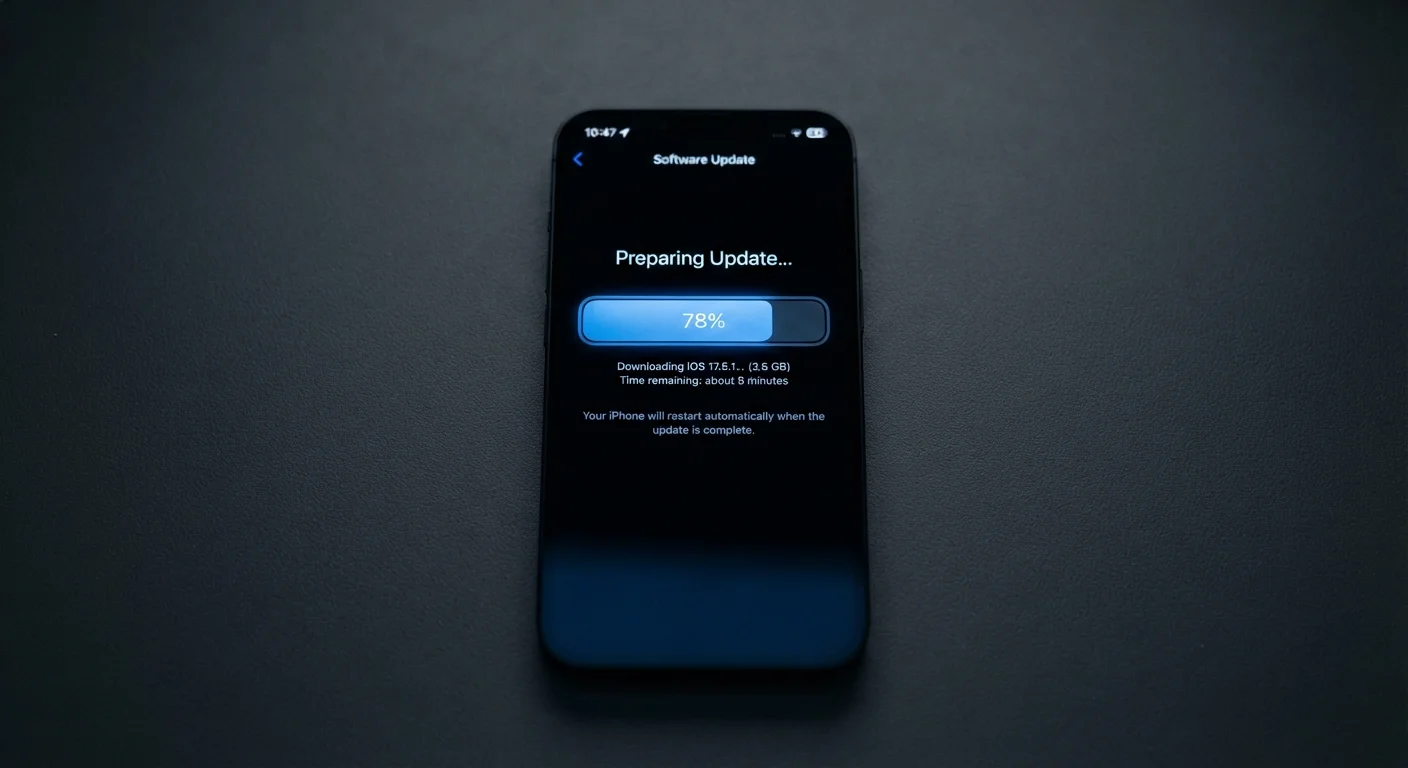
When a software update installs, it doesn't just swap out a few files — it can touch the operating system, security layers, app compatibility settings, and even how your processor manages tasks. Immediately after rebooting, your phone is doing significant background work: re-indexing stored files, recompiling apps to run on the new software version, and rebuilding caches (temporary data stores that help apps load faster).
This background activity competes with whatever you're trying to do in the foreground, which is why scrolling feels choppy or apps take longer to open right after an update. In most cases, this settles down within 24 to 48 hours of normal use. Knowing this is normal can save you from making reactive decisions — like wiping your phone — before the dust has settled.
For a deeper look at how specs like RAM and processor speed interact with this kind of workload, see our Smartphone Specs Decoded guide.
Common Mistakes People Make After a Slow Update — and How to Avoid Them
The window right after an update is when most performance missteps happen. Here are the errors to watch out for:
Performing a factory reset within hours of an update.
Why it happens: When a phone feels sluggish, resetting it seems like the nuclear option that will fix everything. People assume the update 'broke' the phone permanently.
Installing an update with less than 20% storage space remaining.
Why it happens: Storage warnings are easy to dismiss, and many people don't realize that updates need temporary working space to install and rebuild caches properly.
Running multiple demanding apps immediately after a reboot following an update.
Why it happens: People want to check that everything still works, so they open several apps at once right after restarting.
Assuming slowness means the update was designed to degrade older devices.
Why it happens: This theory circulates widely online and leads people to distrust legitimate updates, causing them to skip future security patches.
Ignoring a pending update for weeks to 'avoid problems.'
Why it happens: After hearing that updates cause slowdowns, some users delay updating indefinitely, thinking they're protecting their phone's performance.
24–48 hrs
Typical post-update optimization window
Device manufacturers and independent technologists generally note that background re-indexing and cache rebuilding complete within one to two days of normal use.
~15–20%
Minimum free storage recommended before updating
Mobile OS developers and support documentation commonly advise keeping at least this much storage free to allow updates to install and run correctly.
When Slowness Is a Real Problem (and What to Do)
If your phone is still sluggish after 48 to 72 hours, there are a few targeted steps worth taking before considering anything drastic.
- Check storage: Navigate to your phone's storage settings. If you're at 90% capacity or above, clearing out unused apps, old photos, or downloaded files can meaningfully improve performance.
- Review background app activity: Some apps use more system resources after an update because they've been updated simultaneously. Check which apps are consuming battery or data in the background and restrict the ones you rarely use.
- Restart deliberately: A clean restart — not just locking the screen — clears active memory and closes processes that may have become stuck.
- Check for a follow-up patch: Manufacturers often release small corrective updates (sometimes called point releases) within days of a major update to address performance bugs. Check your settings for any pending updates.
If none of these resolve the issue, a factory reset may be warranted — but treat it as a last resort, not a first response. Always back up your data before doing so. For habits that prevent these situations long-term, our guide on keeping your smartphone running well for years is worth reading.
Don't Skip Security Updates to Preserve Speed
Delaying or permanently skipping software updates to avoid temporary slowness leaves your phone exposed to known security vulnerabilities. Attackers actively target unpatched devices. The performance impact of an update is almost always temporary; a security breach is not. Apply updates, then troubleshoot performance using the steps in this article.