
Display Technology on Phones and Tablets: OLED, LCD, and Everything In Between

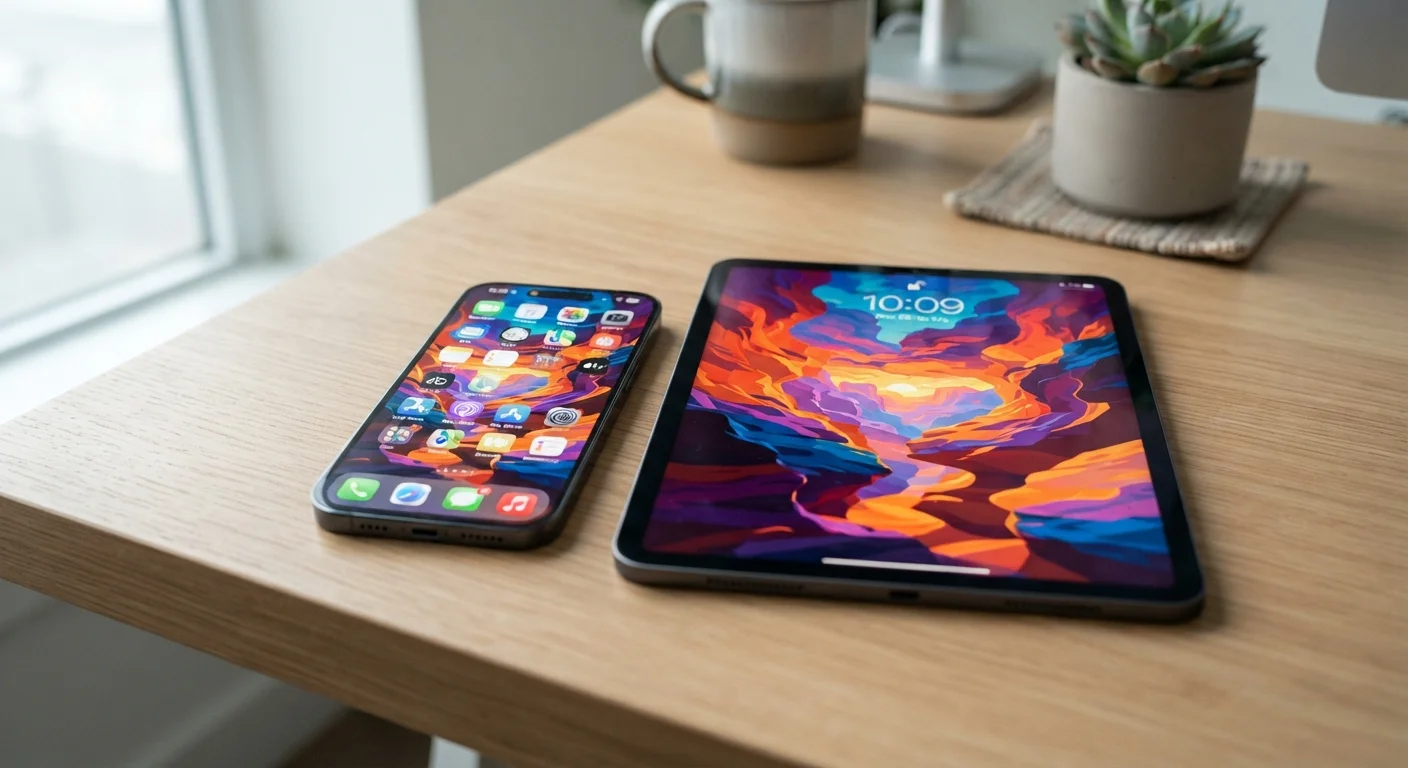
Key Takeaways
- OLED screens produce deeper blacks and more vibrant colors but can cost more and may experience burn-in over time.
- LCD panels are generally more affordable and perform well in bright outdoor light, making them practical for everyday use.
- Display type directly affects battery life — OLED can save power on dark-themed apps, while LCD uses consistent backlight energy.
- Resolution, refresh rate, and brightness (measured in nits) matter as much as panel type for real-world screen quality.
- Most first-time buyers will be well-served by a quality LCD unless vivid color accuracy or true blacks are a priority.
Our Verdict
OLED and LCD each have genuine strengths — OLED excels at color depth, contrast, and thin designs, while LCD offers reliable brightness, durability, and lower cost. Neither technology is universally superior; the right choice depends on how and where you use your device.
| Best for | Recommended |
|---|---|
| Those who prioritize rich color, video streaming, and dark mode aesthetics | OLED display devices |
| Budget-conscious buyers or those frequently using devices outdoors | LCD display devices |
| Students or younger users who need a durable, consistent screen | IPS LCD display devices |
How Phone and Tablet Screens Actually Work
Every screen on a phone or tablet is made up of millions of tiny pixels that light up to form images. What differs between display types is how those pixels produce light and color. Understanding that mechanism explains nearly every trade-off you'll encounter when comparing devices.
The two dominant technologies are OLED (Organic Light-Emitting Diode) and LCD (Liquid Crystal Display). LCD panels require a separate backlight — a layer of LEDs behind the screen that illuminates all pixels at once. OLED panels are self-emissive, meaning each pixel generates its own light independently and can switch off completely to show true black.
For a broader glossary of display and device terms, see the phone and tablet terms guide — it covers resolution, refresh rate, and more in plain language.
OLED vs. LCD: The Core Trade-Offs
The practical differences between these technologies show up in four key areas: contrast, color, brightness, and battery consumption.
| OLED / AMOLED | IPS LCD | |
|---|---|---|
| Black levels & contrast | True black, near-infinite contrast | Dark gray blacks, lower contrast ratio |
| Color accuracy | Vivid, can be tuned to accurate | Naturally accurate, less saturated |
| Outdoor brightness | High-end models competitive; varies widely | Consistently strong across price tiers |
| Battery impact | Lower on dark content; higher on white content | Consistent draw regardless of content |
| Burn-in risk | Present over long-term heavy use | Not a concern |
| Typical cost | Higher — common on mid to premium devices | Lower — common across all price tiers |
| Thickness & flexibility | Thinner; enables curved or foldable designs | Slightly thicker due to backlight layer |
Contrast and black levels are where OLED has the clearest edge. Because individual pixels can turn off entirely, OLED screens achieve near-infinite contrast ratios — making dark scenes in movies look genuinely dark rather than grayish. LCD backlights illuminate the whole panel, so even a fully black image has a faint glow.
Outdoor brightness is where LCD often holds its own. Many modern LCD panels achieve peak brightness levels that make them easier to read in direct sunlight, though high-end OLED displays have narrowed this gap significantly in recent years.
Battery life with OLED depends heavily on usage. Displaying mostly dark or black content uses less power because fewer pixels are lit; bright, white-heavy content (like reading a document with a white background) can use comparable or more energy than LCD. The battery life guide explains how screen type is just one factor among many.
LCD Variants Worth Knowing: IPS, TN, and Beyond
Not all LCD screens are created equal. The most common variant in phones and tablets today is IPS (In-Plane Switching), which offers wide viewing angles and accurate color reproduction. If you tilt an IPS screen, colors stay consistent — a meaningful advantage for sharing content with someone beside you.
Older or lower-cost devices may use TN (Twisted Nematic) panels. These have fast response times but narrow viewing angles and less accurate color — acceptable for basic tasks, less ideal for media consumption.
Check the Panel Type in Specs, Not Just the Name
Manufacturers don't always highlight panel type prominently. When researching a device, look for "IPS" or "AMOLED" in the detailed tech specifications rather than relying on marketing language like "vibrant display" or "crystal-clear screen." Third-party review sites often confirm panel types independently, which can be a useful cross-check before deciding.
When reading a device spec sheet, look for "IPS" explicitly rather than just "LCD." An unspecified LCD label often indicates a less capable panel type.
OLED Variants: AMOLED, Super AMOLED, and LTPO
OLED technology also comes in several branded variants. AMOLED (Active Matrix OLED) is widely used in Android devices and delivers the same self-emissive pixel behavior with a refined driving circuit for better efficiency. Super AMOLED is a marketing term some manufacturers use for panels with the touch layer integrated directly into the display, reducing thickness and glare.
LTPO (Low Temperature Polycrystalline Oxide) is a more recent refinement that allows the screen's refresh rate to adjust dynamically — dropping as low as 1Hz when displaying a static image and rising to 120Hz during fast scrolling. This reduces power consumption meaningfully without sacrificing smoothness.
If you're weighing these features for a student or younger user, the tablet for learning guide covers how screen specs intersect with durability and educational needs.
Resolution and Refresh Rate: The Other Half of the Picture
Panel type alone doesn't determine how good a screen looks. Resolution — measured in pixels per inch (PPI) — determines sharpness. A higher PPI means text and images look crisper. Most modern phones sit above 400 PPI, which is generally sufficient for sharp viewing at normal hand-held distances.
Refresh rate, measured in Hz, describes how many times per second the display updates. A 60Hz screen updates 60 times per second; a 120Hz screen updates twice as fast, making scrolling and animation appear noticeably smoother. Higher refresh rates can draw more power unless the panel supports adaptive refresh (like LTPO).
These specs apply equally to TVs and laptops — if you want a side-by-side look at how they translate to laptop displays, the laptop display spec guide breaks each term down clearly.
120Hz
Refresh rate for smooth scrolling
Many mid-range and premium phones now include 120Hz displays; at 60Hz, motion can appear comparatively choppy during fast scrolling.
1,000+ nits
Peak brightness for outdoor readability
Display manufacturers generally recommend at least 800–1,000 nits of peak brightness for comfortable outdoor viewing in direct sunlight.
Which Display Type Fits Your Needs?
For most first-time buyers, the decision comes down to priorities rather than absolutes. If you consume a lot of video, play games, or value a visually rich experience, OLED's contrast and color depth are genuinely noticeable in daily use. If you spend significant time outdoors, use your device primarily for productivity, or are working within a tighter budget, a quality IPS LCD panel will serve you well without compromise.
Burn-in — where static elements like navigation bars leave a faint ghost image over time — is a real (though usually slow) risk with OLED panels. It's rarely a concern for typical use within the first few years, but it's worth knowing if you plan to keep a device for a long time.
Not sure whether a phone or tablet fits your use case in the first place? The phone vs. tablet guide walks through the key differences before you commit to either.