

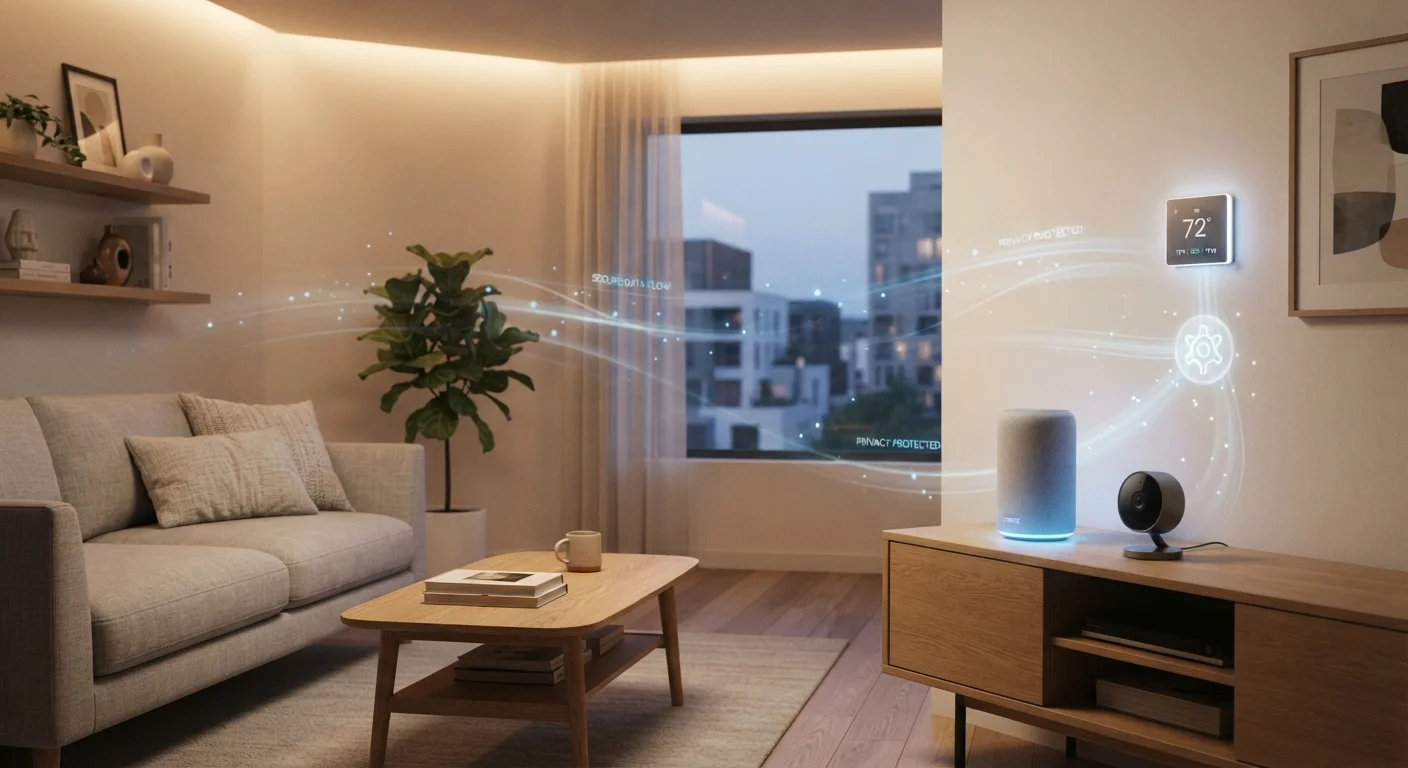
Key Takeaways
- Smart speakers, cameras, and thermostats each collect different types of data by default.
- Most devices send data to manufacturer servers, not just your local network.
- Privacy settings exist on most platforms but are rarely enabled by default.
- Limiting data collection usually doesn't reduce core device functionality significantly.
- Reviewing app permissions and account settings is the most impactful first step.
What Smart Home Devices Actually Collect
When you set up a smart home device, you're not just connecting a gadget to Wi-Fi — you're agreeing to a data relationship with the manufacturer. Understanding what's typically collected helps you decide what's acceptable for your household.
Smart speakers and displays record audio clips when triggered by a wake word (such as "Hey" followed by a device name). Many platforms retain these recordings on their servers and may use them to improve voice recognition. Some platforms also log every command you issue.
Smart cameras and video doorbells capture video footage, which is often stored in the cloud (sometimes requiring a paid subscription plan). Manufacturers may also collect metadata — timestamps, motion frequency, and device identifiers.
Smart thermostats build detailed schedules of when you're home, your preferred temperatures, and sometimes humidity and occupancy data. This behavioral data can be used to refine energy recommendations — but it also paints a precise picture of your daily routine.
Smart bulbs and plugs are generally lower-risk, but still log usage patterns, on/off schedules, and network information. If you're new to the category, our overview of how smart devices work explains what connectivity actually means for data flow.
72%
Smart home owners unaware of data retention policies
A 2022 survey by consumer advocacy researchers found a majority of smart device owners had not read or were unaware of their device's data retention terms.
89%
Smart devices transmit data to third-party servers
Research published by academic IoT security teams has found that a large majority of consumer smart home devices communicate with servers beyond the manufacturer's own infrastructure.
Where Your Data Goes — and Why It Matters
Most smart home devices transmit data to the manufacturer's cloud servers, not just to your router. This means your device activity exists outside your home network, subject to the manufacturer's privacy policy, data retention practices, and potentially local laws in the country where their servers are hosted.
There are a few practical risks worth understanding:
- Third-party data sharing: Many privacy policies permit sharing anonymized (or in some cases, identifiable) data with advertising partners or analytics firms.
- Account breaches: If your manufacturer account is compromised, stored recordings or footage may be exposed.
- Policy changes: Manufacturers can update their data practices; what's collected today may be broader tomorrow.
This doesn't mean smart devices are unsafe by default — but it does mean the defaults are worth examining. Common misconceptions about smart home security are worth reviewing before drawing conclusions in either direction.
“Privacy is not about having something to hide. It's about having the power to choose what you share, with whom, and when.”
— Bruce Schneier, Security technologist and author on cryptography and privacy
Practical Steps to Limit Data Collection
You don't need technical expertise to meaningfully reduce what your devices collect. The following practices apply across most major smart home platforms.
Review and delete stored voice recordings regularly
Voice assistants store audio clips tied to your account, sometimes indefinitely. Periodically deleting these limits how much of your household's speech patterns remains on external servers. Most platforms offer auto-delete settings that can purge recordings on a rolling basis.
Disable features you don't use — especially microphones and cameras when idle
Many devices include hardware mute switches that physically disconnect the microphone or camera. Using these when a device isn't actively needed eliminates the possibility of unintended activation, regardless of software settings.
Audit app permissions on your smartphone for each smart home app
Companion apps often request access to contacts, location, or microphone beyond what the device itself requires. Restricting these permissions limits data collection on your phone independent of the device.
Create a separate Wi-Fi network (guest or IoT network) for smart devices
Isolating smart home devices onto their own network segment prevents a compromised device from accessing computers, phones, or sensitive files on your primary network. Most modern routers support this without advanced configuration.
Read the privacy settings section of each device's app — not just the terms of service
Terms of service are lengthy and often unavoidable, but most apps have a dedicated privacy or data section with toggles that are off by default or require opt-out. These are the controls that matter most in day-to-day use.
If you're still deciding how many devices to bring into your home, starting with fewer devices is one of the most underrated privacy strategies — each device is another data relationship to manage.
Quick Actions Worth Taking Today
Privacy settings are rarely a one-time task, but some changes take less than five minutes and have an outsized effect on what gets collected. Start here.
Check for Privacy Settings After Every Firmware Update
Device updates can quietly reset or introduce new data collection options. After any major firmware or app update, it's worth spending two minutes revisiting your privacy settings to confirm your preferences are still active. This is especially common after smart speaker platform updates, where new features may default to opt-in data sharing.
For a broader look at the setup decisions that affect both functionality and privacy, what first-time buyers don't anticipate during setup covers the practical realities most guides skip.